
Round robin vs collective meetings: how 5 scheduling tools set them up
Round robin gives each booking to one host in turn. Collective needs every host free. How Sprintful, Calendly, Cal.com, SavvyCal and YouCanBookMe set up each.
On our round robin page, 9 test bookings went to 3 hosts, 3 each. In the same week, the collective page offered 24 times and the round robin page offered 80. We set up one 3-person team both ways in Sprintful, plus a mix of both, and counted who got each booking.
Round robin vs collective: the short answer
| Mode | Hosts | Open when | Times |
|---|---|---|---|
| Round robin | 1 | Any host | 80 |
| Collective | All | All hosts | 24 |
| Mix | 2 | Fixed + 1 | 64 |
Times: 30-minute times offered in one test week, Nov 16-20, 2026, for the same 3 hosts. Their working hours are below.
Which one to use:
- Round robin for sales intros, demos and support calls, where any trained person can take the meeting.
- Collective for panel interviews and joint calls, where every named person must attend.
- Mix when one person must attend and the second seat can rotate, for example an account executive with a specialist.
- Team directory when guests ask for a person by name: the visitor picks the host.
How a round robin picks the host
Our test team has 3 hosts with set working hours: Jordan works 9 am to 5 pm, Monday to Friday. Maya works 10 am to 4 pm, Monday to Thursday. Sam works 1 pm to 5 pm, Monday to Friday. Their hours and our test bookings decide who is free.
We booked 9 meetings between 1 pm and 4 pm on a Monday and a Tuesday, when all 3 were free. They went to Jordan, Maya and Sam in turn, 3 each.
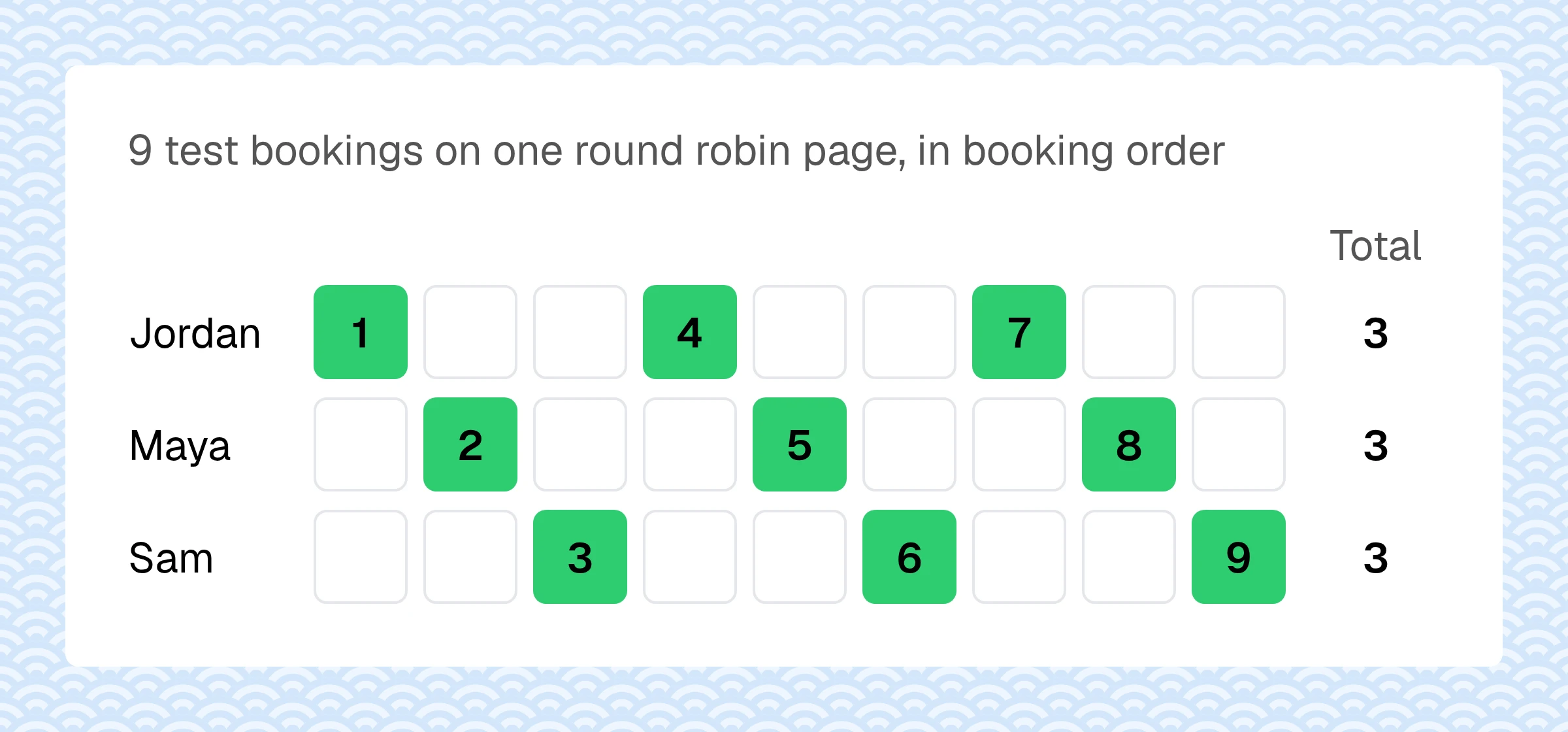
Tools pick the next host by one of 3 rules. The names in brackets are the Sprintful settings.
- Next free host (round robin, flexible). The page offers any time at least one host is free. The booking goes to the next host in line who is free then.
- Next host only (round robin, strict). The page offers only the next host's times, so hosts take strict turns. The guest sees fewer times.
- Priority (prioritized assignment). The first free host on the list gets it. The others take the overflow.
On a prioritized page with Jordan first on the list, Jordan got the 2 bookings at free times. The third was at a time Jordan already had a meeting, so it went to Maya, next on the list.
A round robin only rotates among the hosts who are free at that time. On Friday mornings only Jordan works, so the page still offers those times, and only Jordan can take them. Uneven hours give uneven counts, whatever the rule.
Collective meetings: every host must be free
A collective page offers a time only when every host is free. On a Monday, our 3 hosts share 1 pm to 4 pm. That gives 6 half-hour times, where the round robin page offers 16. On Friday Maya does not work, so the collective page offers none.
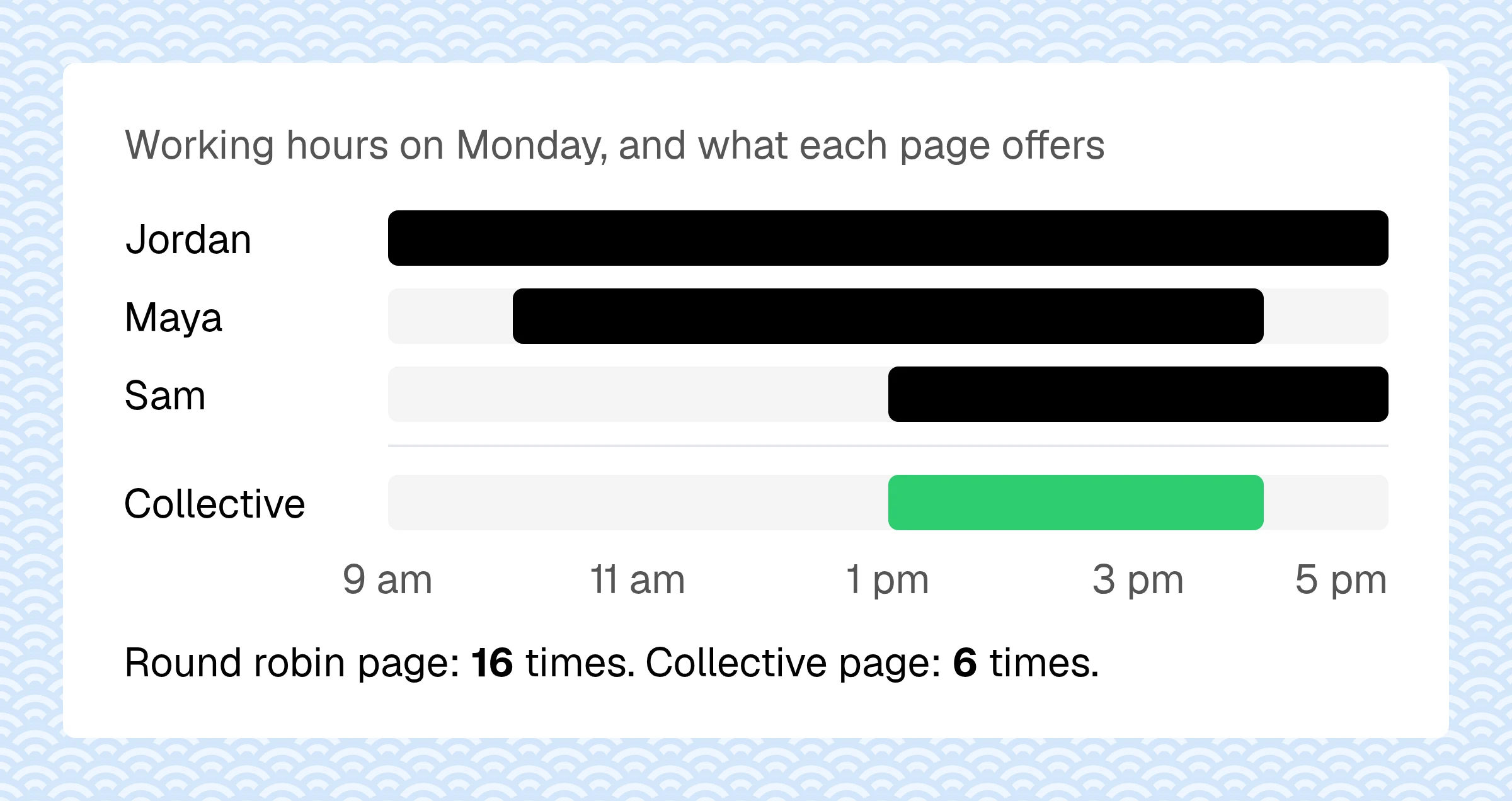
Each host you add can only remove times. In our test week, the collective page offered 24 times. Before you add a fourth person to a panel, check how many are left.
We booked 1 collective meeting. All 3 hosts got it, and the guest picked one time. That is the setup for a panel interview: one candidate, several interviewers.
The mix: one required host plus a rotating pool
Some meetings need one fixed person and one more from a group, for example an account executive with a solutions engineer. On a round robin page, mark the fixed host as required. Each booking then goes to that host plus the next free host from the rest.
We marked Jordan as required, with Maya and Sam in the pool, and booked 4 meetings. Jordan got all 4. Maya and Sam got 2 each. The page offered 64 times in the test week: fewer than round robin (80), more than collective (24).
Round robin in 5 scheduling tools
| Tool | Plan | Price |
|---|---|---|
| Sprintful | Basic | $7.50 |
| SavvyCal | Basic | $10.00 |
| Cal.com | Teams | $12.00 |
| Calendly | Teams | $16.00 |
| YouCanBookMe | Team | $16.20 |
Price: a user a month, billed yearly, on the first plan with round robin, November 2026.
All 5 rotate bookings across a team. They differ in the rule that picks the host, below, and in the plan you need. For Calendly by team size, see what Calendly costs.
How each tool sets it up
Calendly
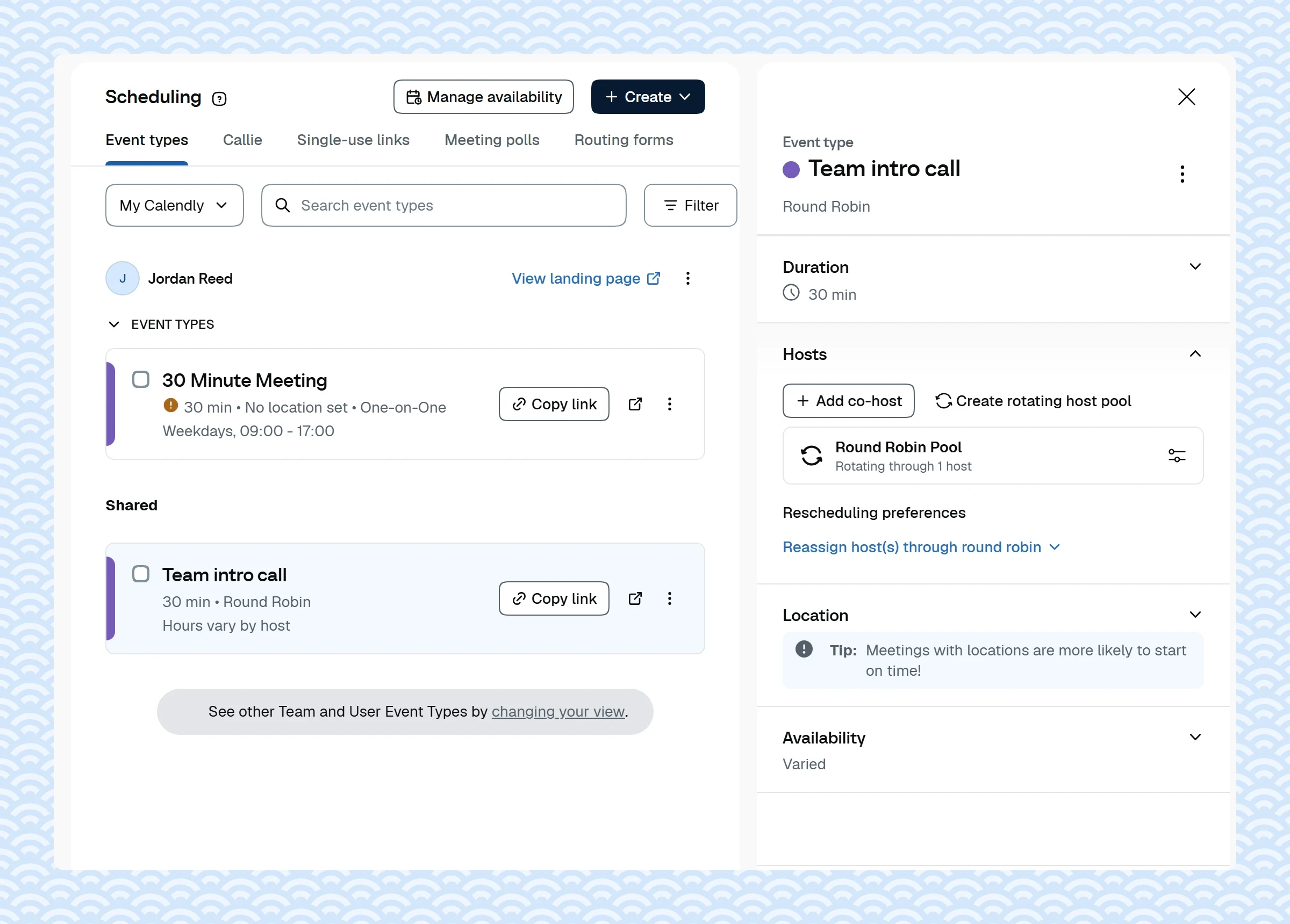
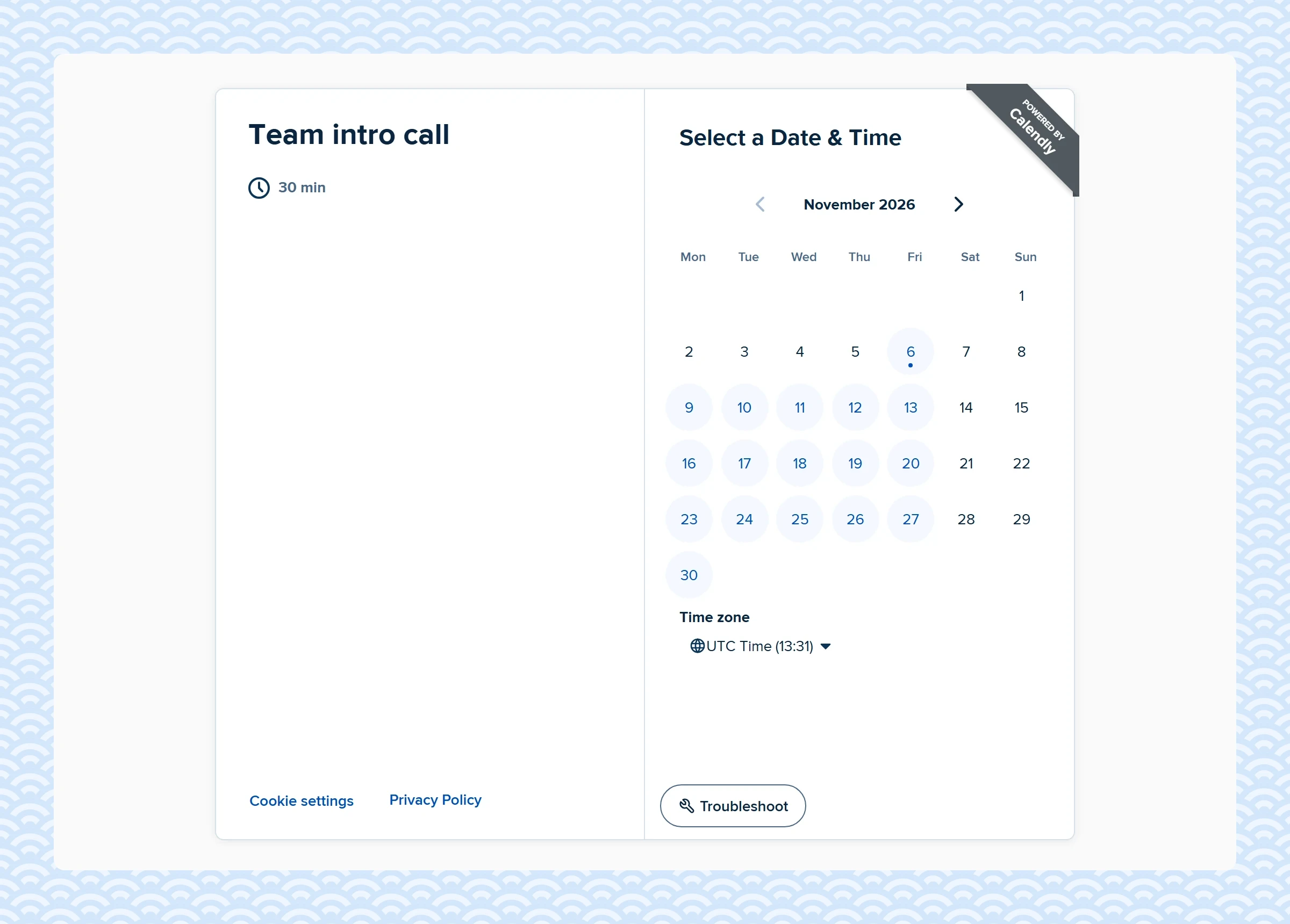
Round robin and collective are event types in the Create menu, next to one-on-one and group. A round robin event has a rotating host pool. Its distribution method is Maximize availability, which offers any time a member is free, or Equal distribution, which hides a host who is 3 or more meetings ahead of the others. A star sets a host's priority. Add co-host puts one fixed person on every meeting, next to the pool. Both event types need the Teams plan: $16 a user a month billed yearly, or $20 monthly.
YouCanBookMe
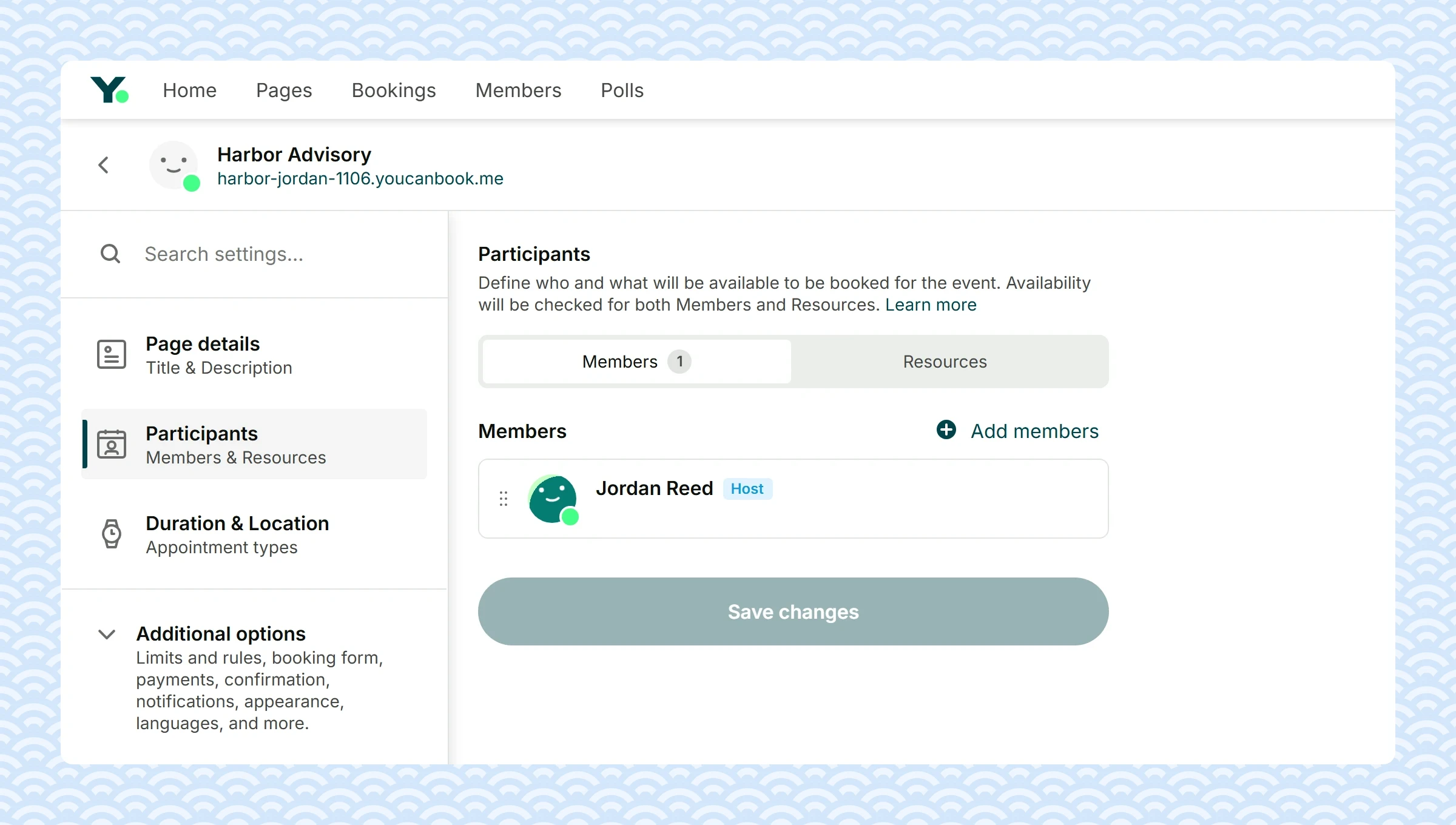
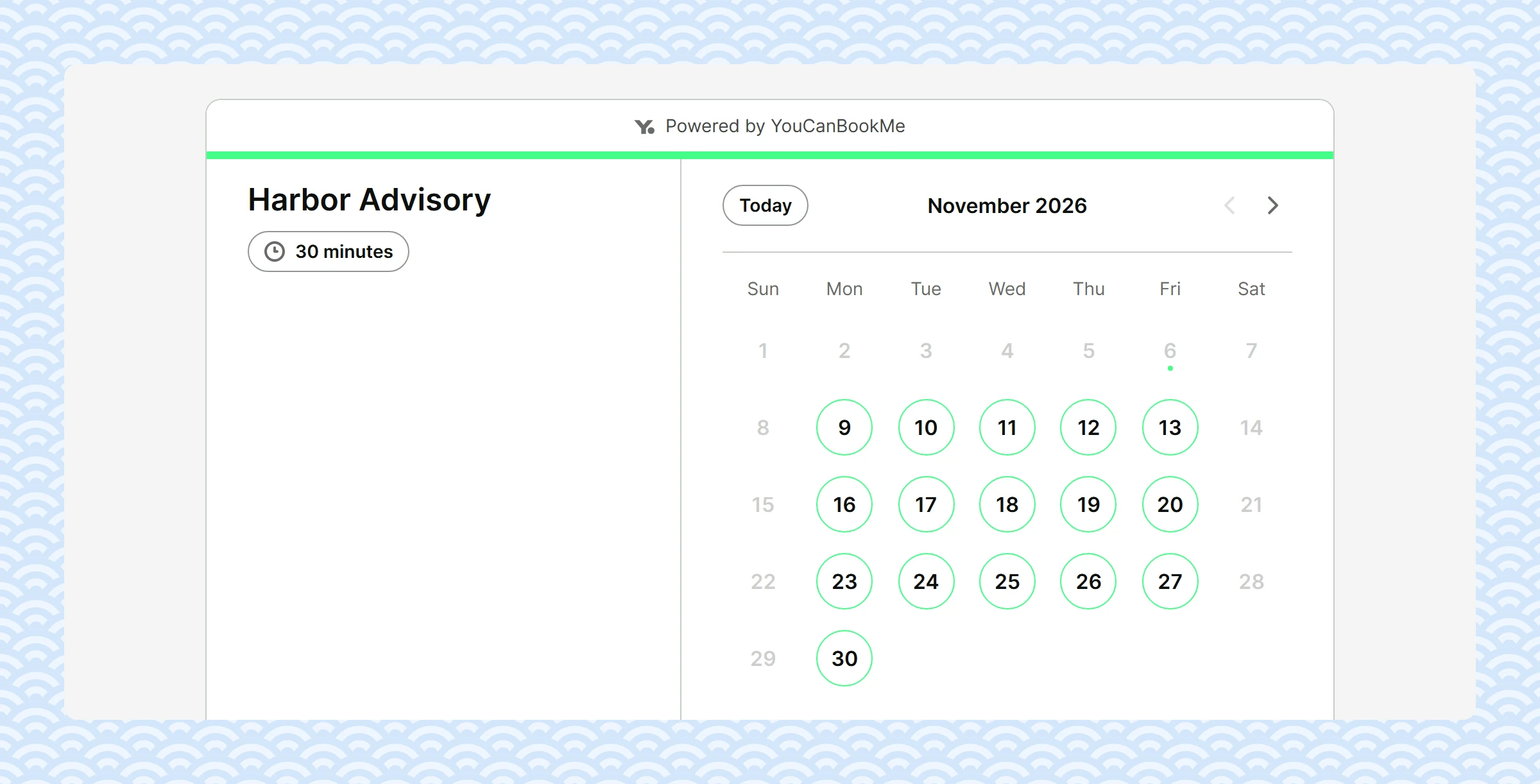
A booking page lists Members and Resources, such as rooms, and checks the availability of both. On the Team plan, each booking goes to a member by 1 of 3 rules: optimize for availability (the member who has gone longest without a booking), equal distribution (over a 28-day window) or a fixed order. The guest does not pick the host: the member screen is skipped. Team is $16.20 a member a month billed yearly, or $18 monthly.
Cal.com
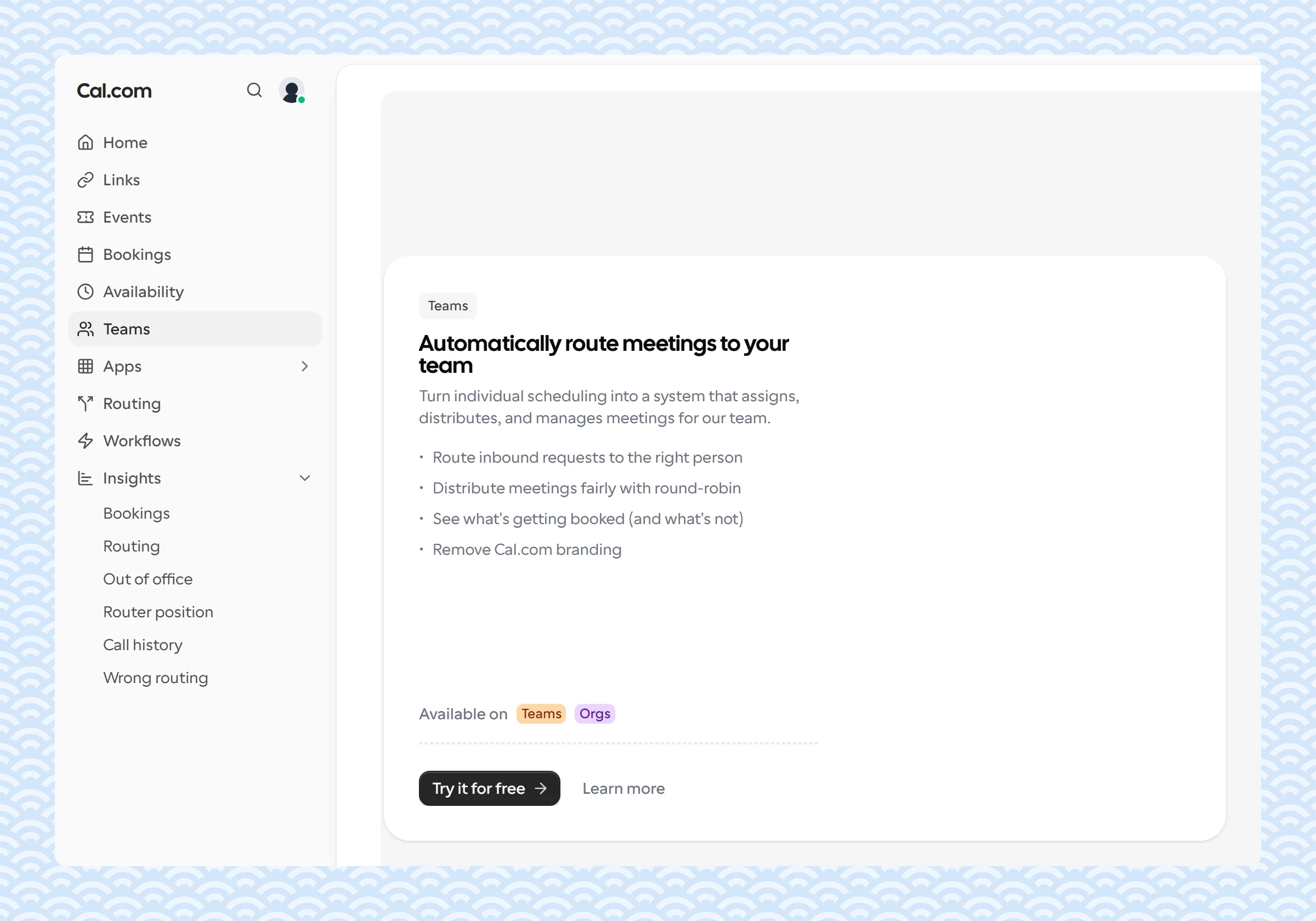
The free plan is for one person. Round robin, fixed round robin and collective events come with the Team plan: $12 a user a month billed yearly. The 14-day Team trial starts at a checkout that asks for payment details.
SavvyCal
Round robin and collective links are on both paid plans, from Basic at $10 a user a month billed yearly, or $12 monthly. Round robin has 2 modes: optimize for availability gives each booking to the next host in line who is free, and optimize for evenness offers only the next host's times. A host set to Exclude from round robin joins every meeting, next to the rotating hosts. Links go live on a paid plan, with a 30-day money-back guarantee.
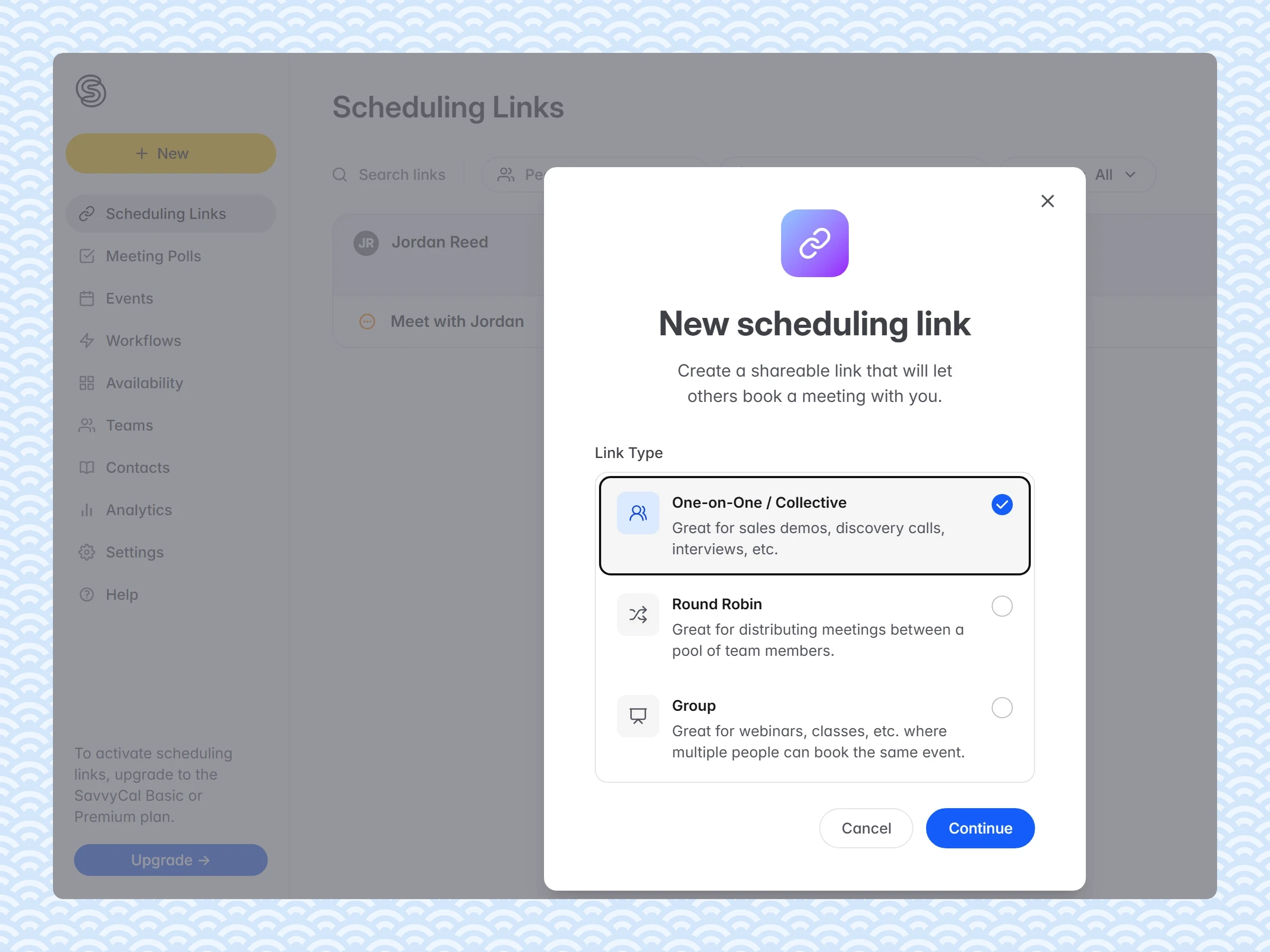
Set it up in Sprintful
- Under Organizations, click New organization, then Invite members. Each member accepts and makes a booking page.
- Click New page and set Page type to Teams.
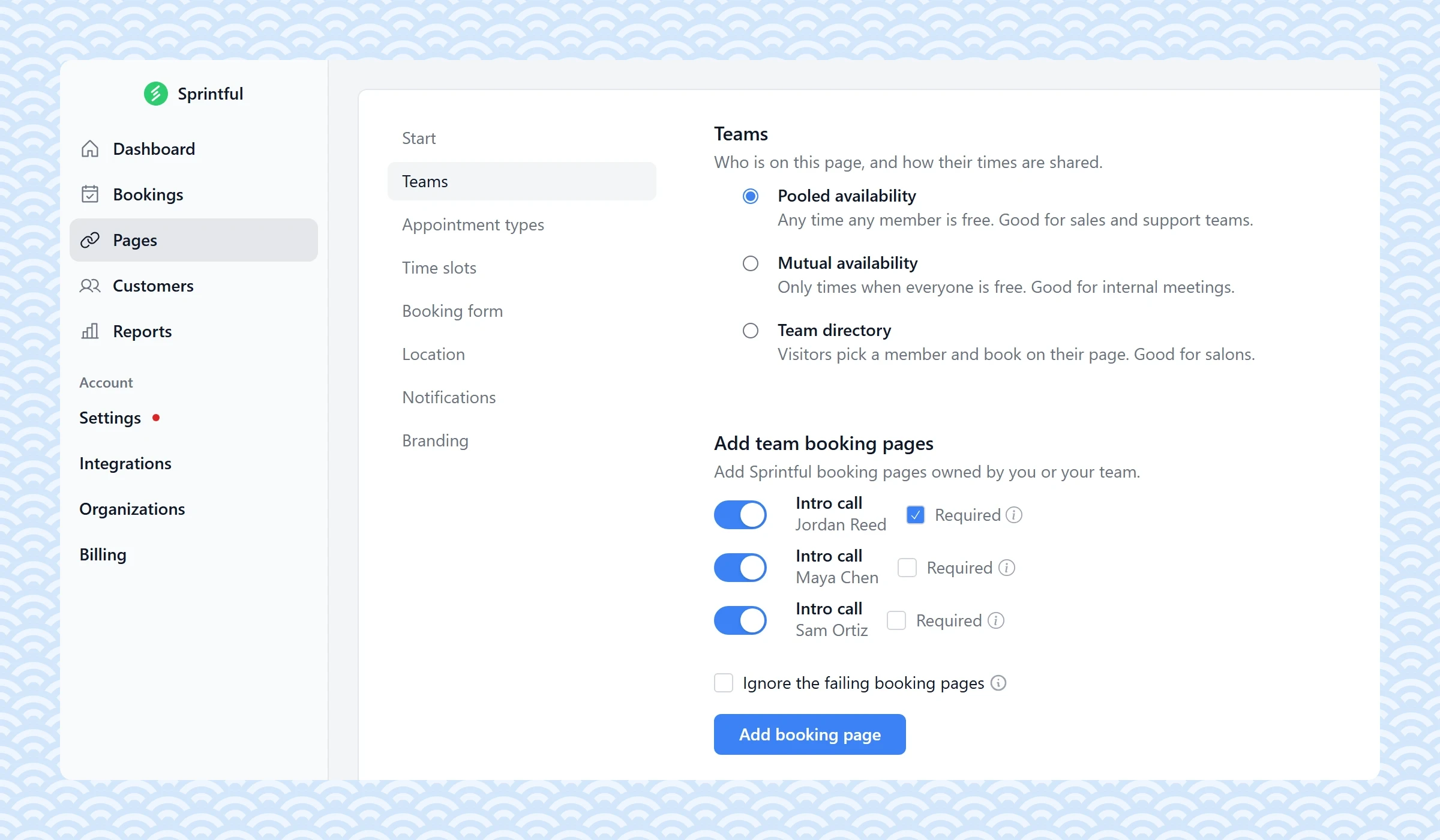
- In the Teams step, pick Pooled availability for round robin, Mutual availability for collective, or Team directory.
- Click Add booking page and add each member's page. For the mix, tick Required next to the fixed host.
- For a pooled page, pick the Pooling strategy: round robin flexible, round robin strict, or prioritized.
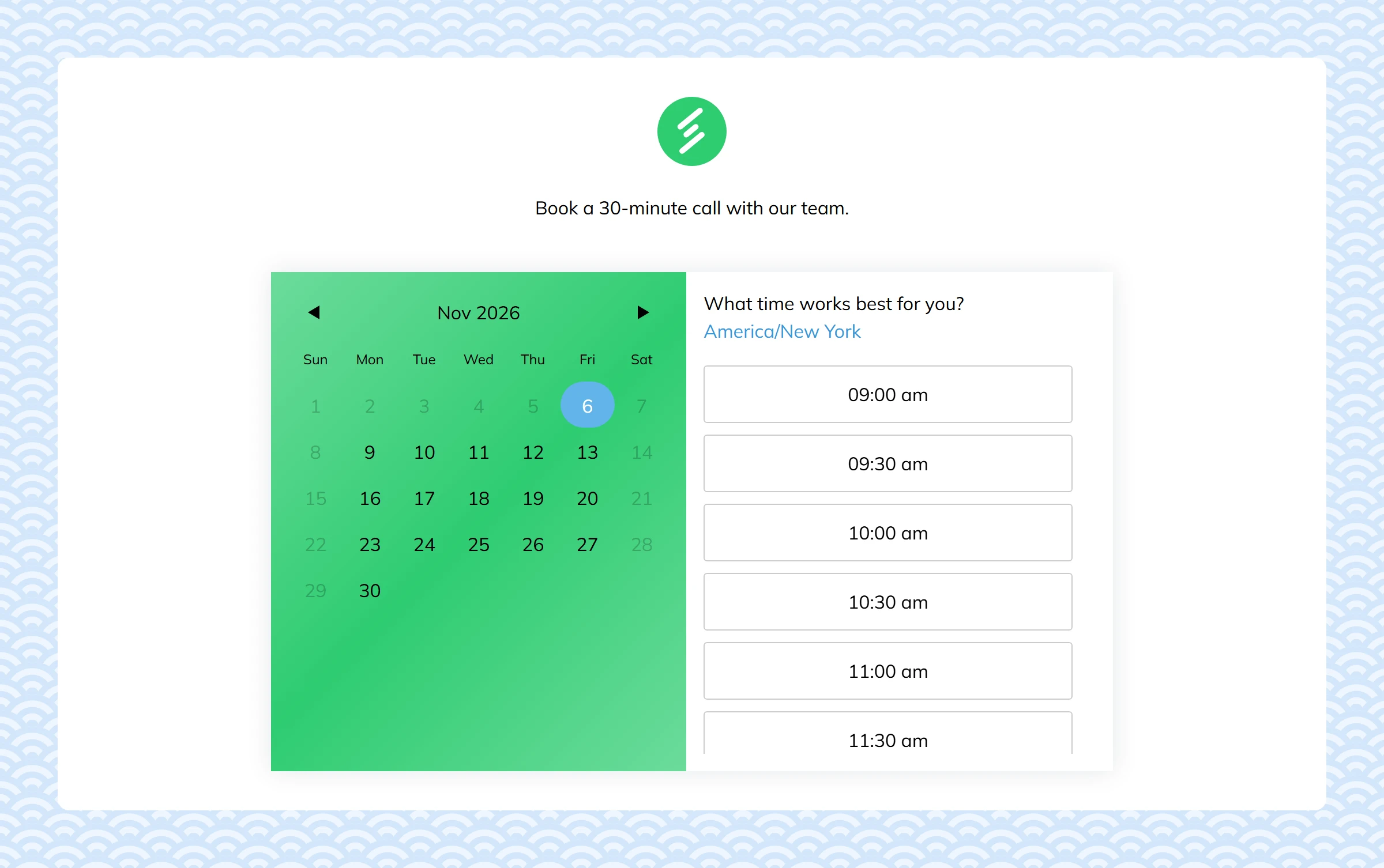
A round robin or collective page combines up to 12 member pages, on every plan. See team scheduling and pricing.
Common questions
What is the difference between round robin and collective?
Round robin gives each booking to one host. Collective gives it to every host, so it needs a time when all of them are free.
Which Sprintful plan has round robin?
Every plan, from Basic. No plan locks round robin, collective or team directory pages. Each host needs a Sprintful account in your organization.
Can a page show only the times when my colleagues are all free?
Yes. That is a collective page. In Sprintful, pick Mutual availability.
How do I set up a panel interview?
Make a collective page with each interviewer's page on it. The candidate picks one time, and the booking goes to every interviewer.
Why did a team member not get a booking?
On a round robin page, each booking goes to one host only, so the others get nothing. A host also gets a booking only when free at that time and when their page is switched on in the team page.
What is a round robin meeting in a team discussion?
A meeting format where each person speaks in turn, for a set time. It gives quiet people the same time as loud ones.
Related posts
 Booking flow
18 appointment reminder templates for text and email
Choosing software